
Skip to content

Log a workout you already did

Training that was not in the plan still counts. Record it so your coach knows, and add anything you already know is coming.

Where to start

Tap the plus button at the top of Home or Agenda. You can also tap an empty day in the calendar, which opens the same flow with that date already chosen.
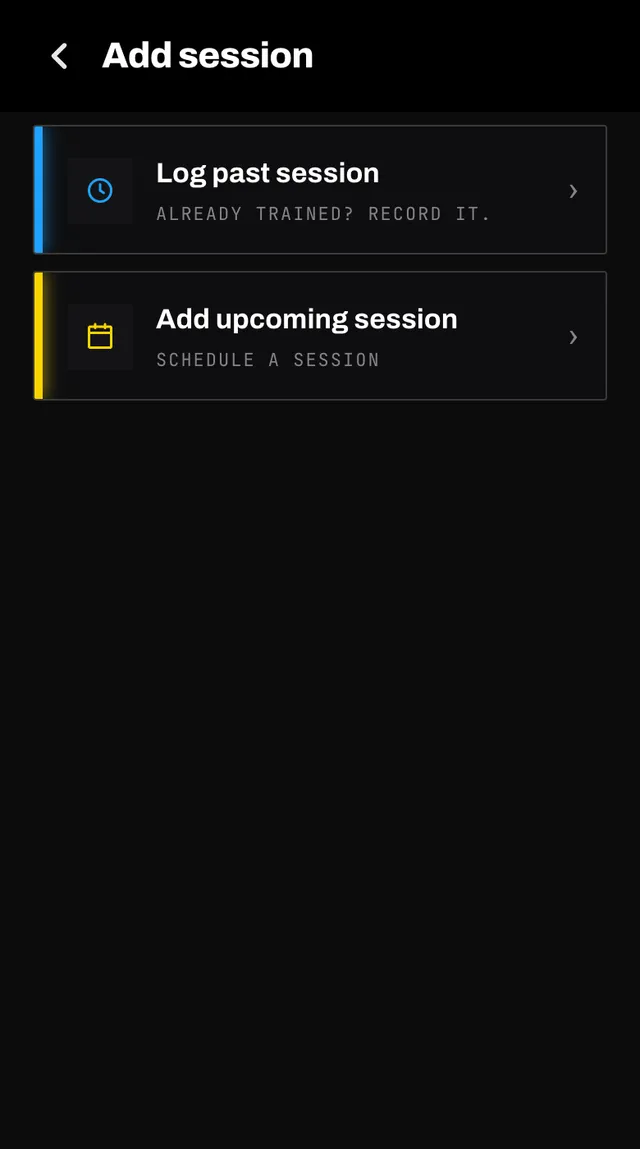
The add session screen offering log past session, add upcoming session and add event
Past on top, upcoming below.

Logging something you already did

  1. Choose the activity

    Search the list or type your own. Your recent sports are offered first. A name you type is checked before it is accepted, so a typo does not become a sport.

  2. Pick the day

    Anywhere in the last ninety days, up to today. Days outside that window are not offered.

  3. Say how long and how hard

    Duration is a row of pills from fifteen minutes to two hours. Effort is the same one to ten scale as the check-in after a planned session. Then tap Log session.
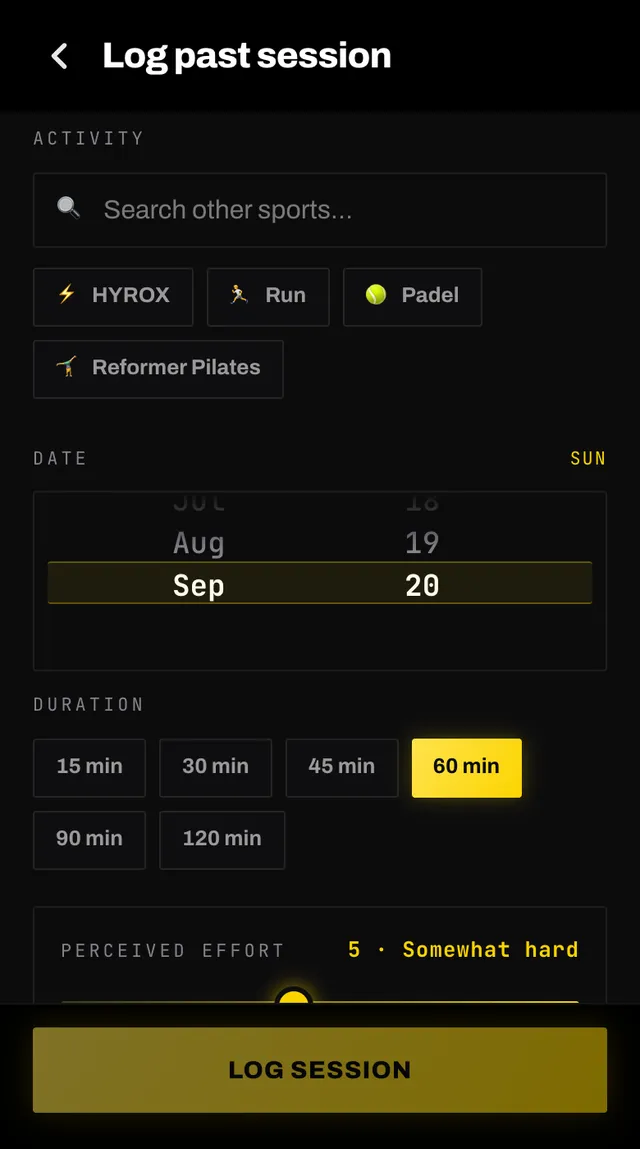
    The log past session screen with an activity picker, a date picker, duration pills and a perceived effort slider

It is stored as a completed session owned by you, with no exercise list, and it counts towards your history from then on.

Adding something that is coming

Choose Add upcoming session instead. The activity works the same way, then you choose One time or Recurring.

  • One time asks for a day, anywhere in the next ninety.
  • Recurring asks how many times a week, whether the days are flexible or fixed, and your level at it. It puts the session on your calendar for the next four weeks.

The Coach warm-up and cool-down toggle, on by default, adds a short warm-up and cool-down around your own session, written by your coach when it plans that part of your week. None is added on the day itself.

A card underneath tells you what the addition does to your week before you commit. If it would land on a day that is already carrying a hard session, you get a warning naming the days affected, and you can add it anyway or cancel.

Common questions

How far back can I log a session?
Ninety days. The day picker only offers dates inside that window, so if a day is not there it is further back than that.
Does logging a past session change my plan?
No. It goes into your history, where it counts towards your training balance and what your coach knows about you, but the week ahead is left alone.
Does adding an upcoming session change my plan?
It can. Your coach first checks whether the rest of your week needs to change around it, and rebuilds the days around it only when it does. If it lands on a day that is already heavy, you are warned before it is saved and can back out.
Why can I not pick Strength for an upcoming session?
Strength is what your coach programs for you rather than a sport you do elsewhere. Set how much of it you want under Coach sessions instead. You can still choose it when logging something you already did.
What does recurring do?
It puts the same session on your chosen weekdays for the next four weeks, never on a race day. Use it for a class or a club night that happens every week. For something one-off, use One time.

Still stuck

Open the app, go to You, and tap the feedback row at the bottom. It reaches a person, not a queue. Or write to hello@smashcoach.app.