
Get your first plan
Sign-up is a series of short questions, then your coach writes a fortnight of training. It takes a few minutes, and you can change almost any of it afterwards.
Sign-up is a series of short questions, then your coach writes a fortnight of training. It takes a few minutes, and you can change almost any of it afterwards.
The date, your division and format, your experience and how hard you want to commit. Skip it if you are not racing. Your coach plans around your sports and goals instead.
This is the question that makes the difference. Pick everything you do weekly, including group classes. Leave out gym sessions, which are what your coach programs for you.
You then set how often and how long each one is, which tells your coach what fatigue to work around.
Up to three, in order. Performance goals for your own sports are offered first.
How many sessions a week it may plan on top of your sports, how long, and whether the days are flexible or fixed. A note underneath adds it all up for you.
Your nickname, date of birth and gender are all you need to continue. The rest starts on a value you can keep, so check it, especially your height, which is set once.
Longest run and training lately start at the lowest setting, I don't run and Not at all. Move them if you run or train: your coach plans from them, and training lately is only asked here. Resting heart rate starts on We'll estimate it for you; tap I know it if you have a number. Once your longest run is 5 km or more, set your time for it, or tap Don't know.
Then any injuries or recovery flags. Be honest here. It drives every safety decision your coach makes.
Choose how your coach talks to you, then create the account. You agree to the health and safety sheet at that point, and nothing you entered is stored until you do.
Tap Continue with an answer still missing and the app takes you to it, with a line saying what it needs.
Your coach writes about two weeks of training. A set of tips cycles past while you wait, explaining the three tabs and how sessions are marked. It is worth reading them once.
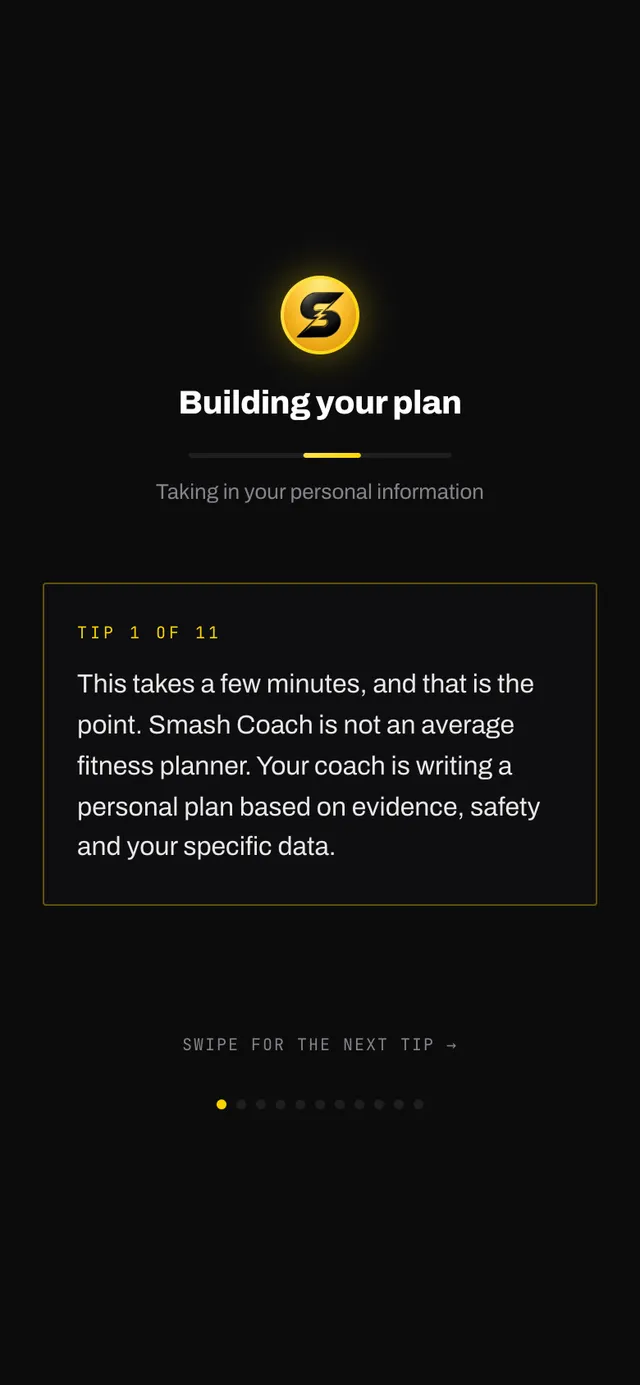
The first sessions appear quickly and the rest fill in behind them. You do not need to keep the screen open the whole time.
Nothing you answered is final. Sports, goals, availability, your race and your limitations all live on the You tab and on Home, and changing any of them reworks the plan.
The exceptions are date of birth, gender and height, which are set once. The personal information screen has a link to tell us if one is wrong.
Open the app, go to You, and tap the feedback row at the bottom. It reaches a person, not a queue. Or write to hello@smashcoach.app.