
Theme and tone of voice
Two settings that change how the app looks and how your coach speaks. Neither changes your training.
Two settings that change how the app looks and how your coach speaks. Neither changes your training.
You, then the gear icon for Settings, then Theme and tone of voice. You chose both during sign-up, and this is where you change your mind.
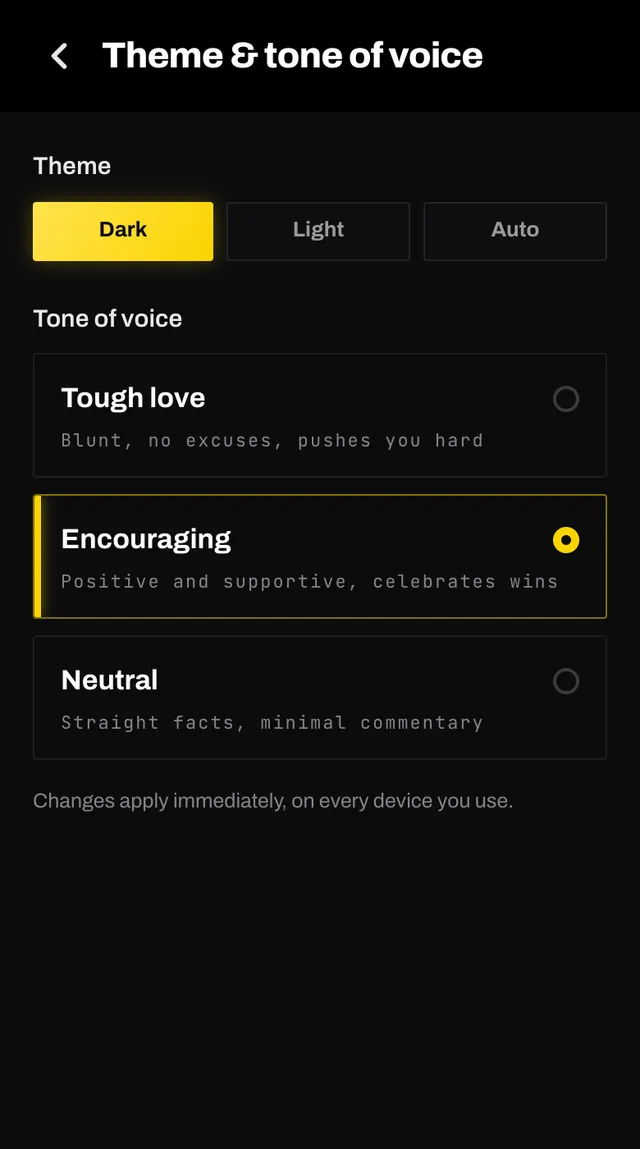
Dark, Light or Auto. Auto follows your phone, so the app switches when your phone does.
Three ways your coach can talk to you.
It affects the wording of your coach's notes and its replies in chat. The programming underneath is identical whichever you pick.
Changes apply immediately, on every device you use.
Open the app, go to You, and tap the feedback row at the bottom. It reaches a person, not a queue. Or write to hello@smashcoach.app.